
This feature will allow you to exclude specific posts and pages from displaying in Mediavine Tools, including all Recommended Content widgets, Automailer emails, and Search results.
How To Exclude a Post or Page
Step 1: In your Publisher Dashboard, go to Tools > Exclude Pages.
Step 2: Click into the Pages to Exclude search box and type in a keyword or paste the URL of a post you want to exclude.
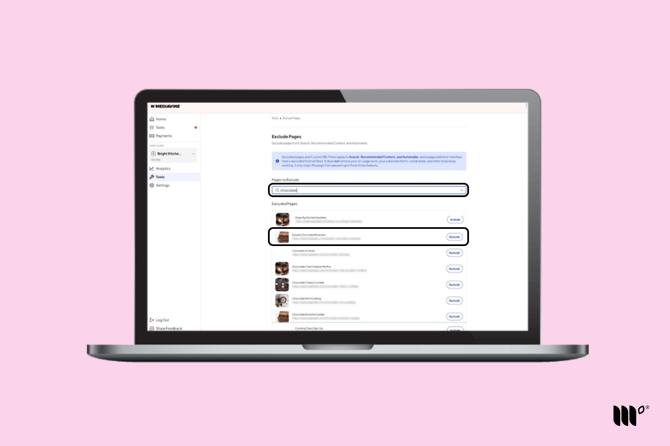
Step 3: Once you find the post you are looking for, click the Exclude button in order to exclude the post/page.
Step 4: Save your changes!
To include a Post/Page you previously excluded:
Step 1: Under Excluded Pages, simply click the Include button beside the post you want to include.
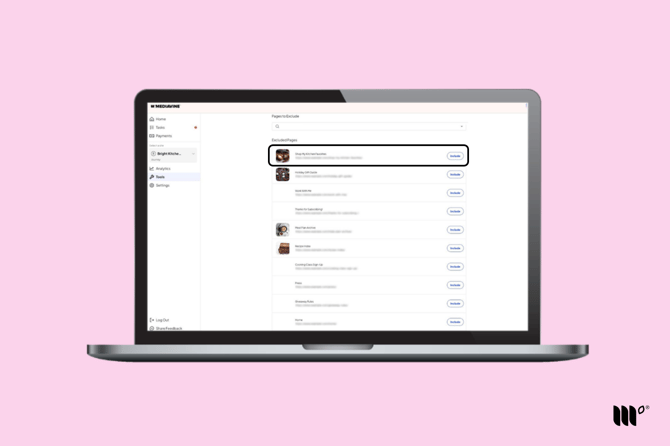
Step 2: Be sure to save your changes!
You should be able to see these changes right away. If you are still seeing the excluded post in Recommended Content, Automailer, or Search, navigating to a new page on your site or clicking refresh in your browser should update it.