
The Exclusive Content Z-Index setting controls how your Exclusive Content widget layers with other elements on your page, like sticky headers, menus, or other overlays. Elements with a higher z-index appear on top of elements with a lower z-index.
Exclusive Content is a legacy tool only available to publishers who used it before Grow became Tools in November 2026.
Where to find it
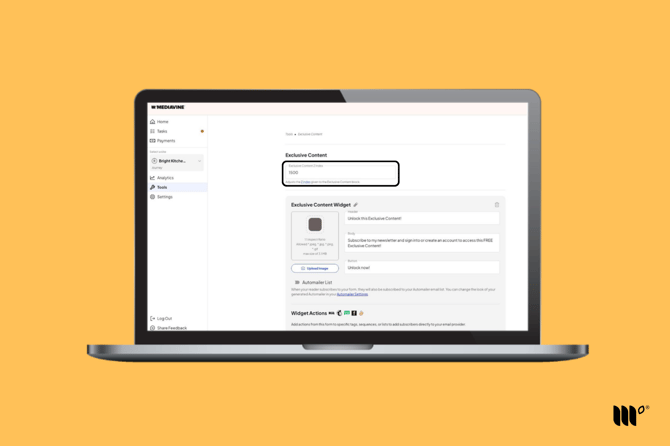
In your Publisher Dashboard, go to Tools > Exclusive Content. The Exclusive Content Z Index field is at the top of the page.
When to change it
Most sites don't need to change this setting. You may want to adjust it if:
- Your Exclusive Content widget appears behind another element on the page (try a higher number).
- Your Exclusive Content widget covers something it shouldn't, like your site's navigation menu (try a lower number).
After changing the number, click Save and test your post in an incognito or private window.