
Connecting your Flodesk account to Tools is quick and easy!
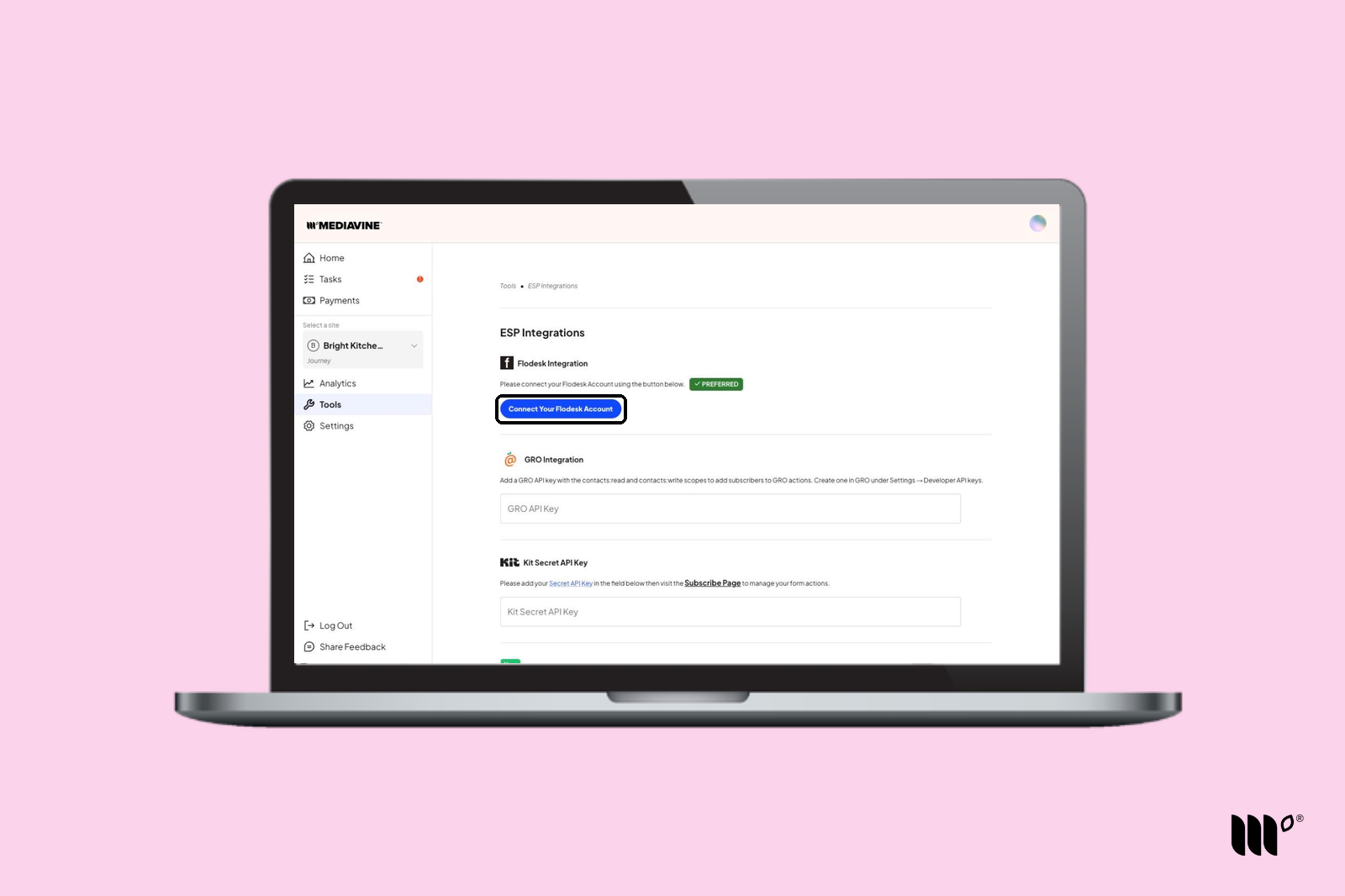
Step 1: In your Publisher Dashboard, go to Tools > ESP Integrations. In the Flodesk Integration section, click Connect Your Flodesk Account.
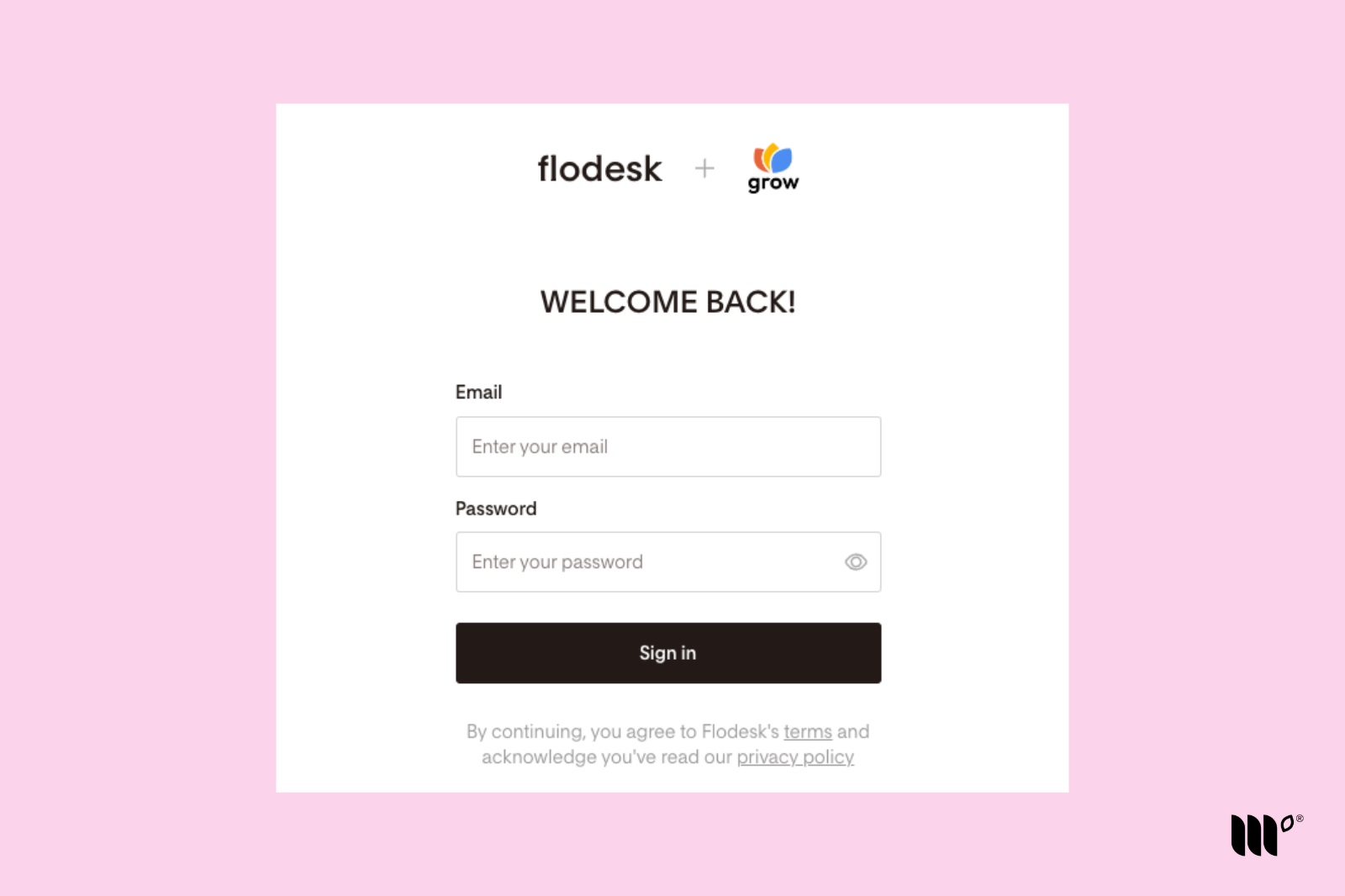
Step 2: A window will pop up where you can sign into Flodesk.
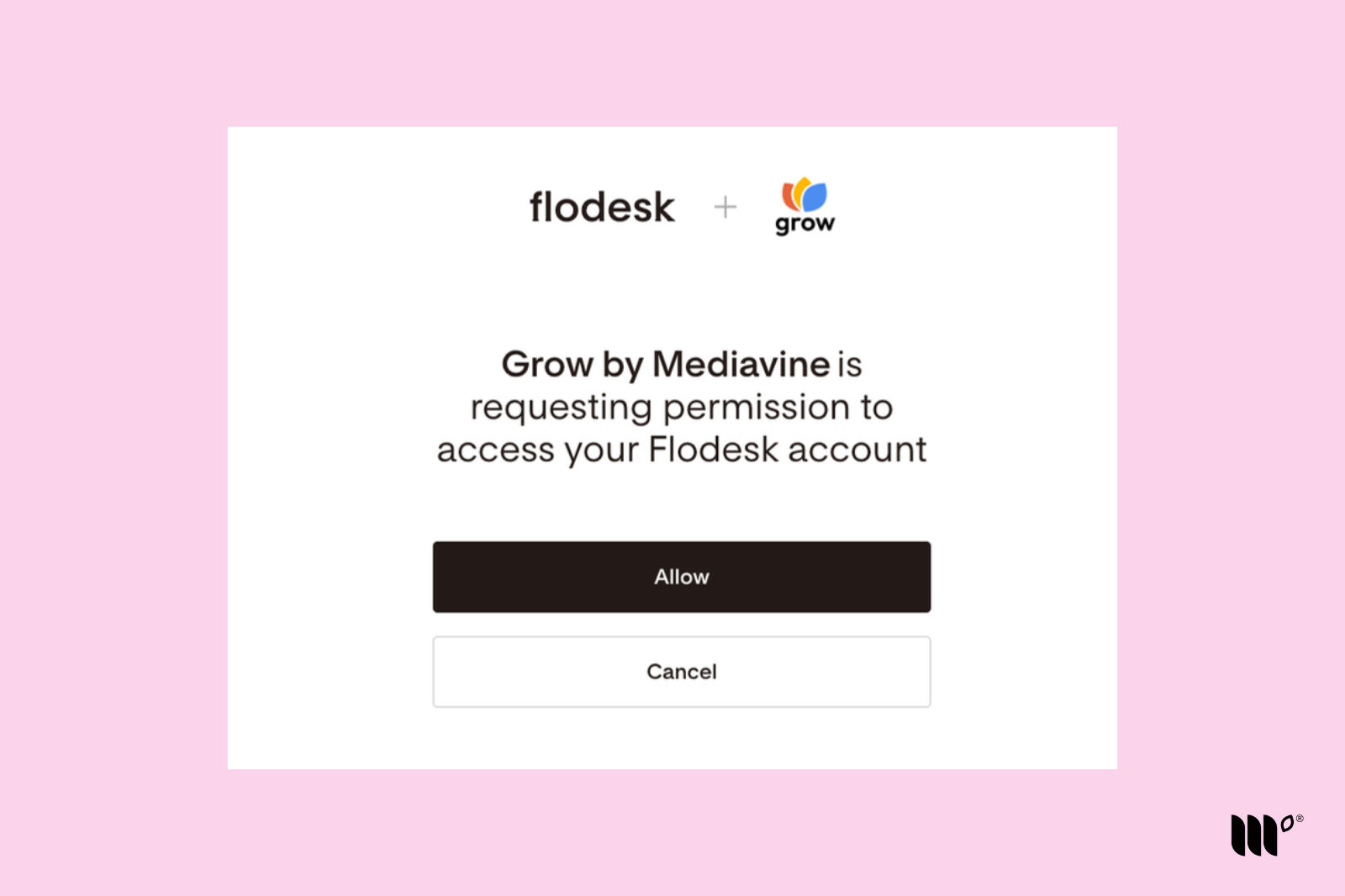
Step 3: After you sign in, click Allow to connect Flodesk.
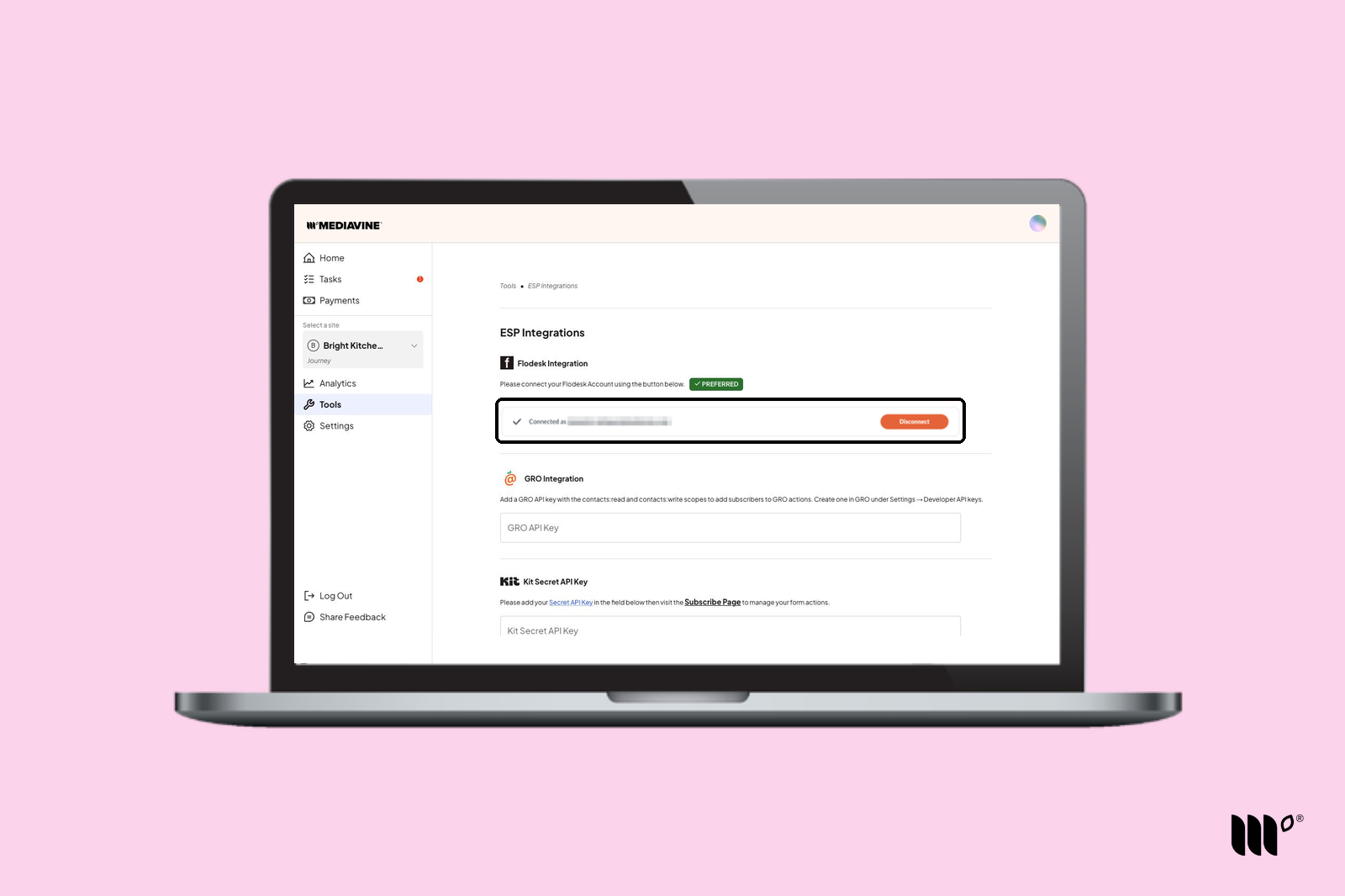
Step 4: Back in Tools > ESP Integrations, you'll see that your Flodesk account is connected. Click Save Changes and you're all set!
Once Flodesk is connected, go back and add Flodesk Form Actions to your existing Subscribe Forms. See Flodesk Integration Basics for step-by-step instructions.