
To connect your MailerLite account to Mediavine Tools, you'll need to grab your MailerLite API Key from your MailerLite control panel.
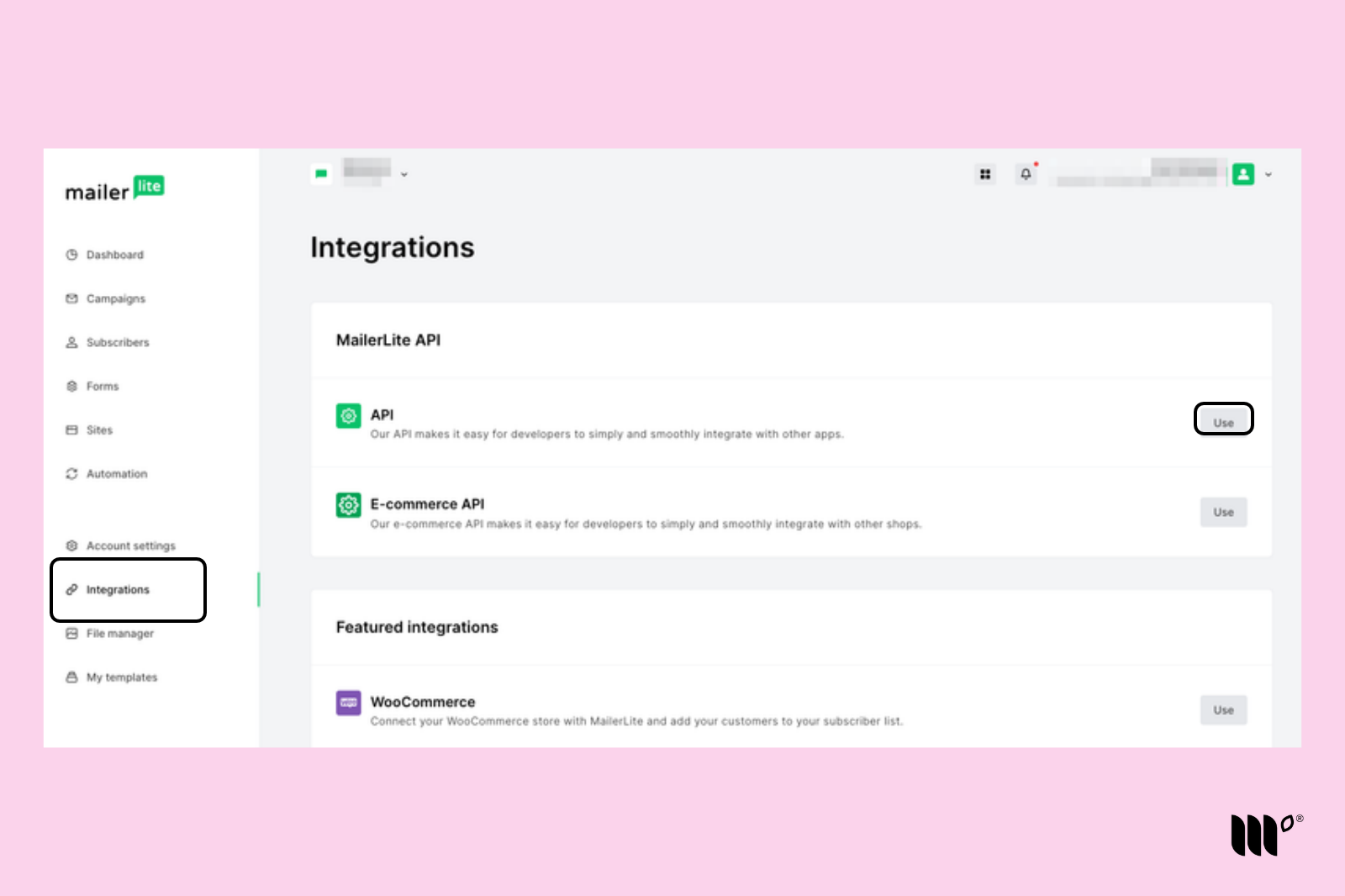
Step 1: In MailerLite, go to Integrations and click Use next to API.
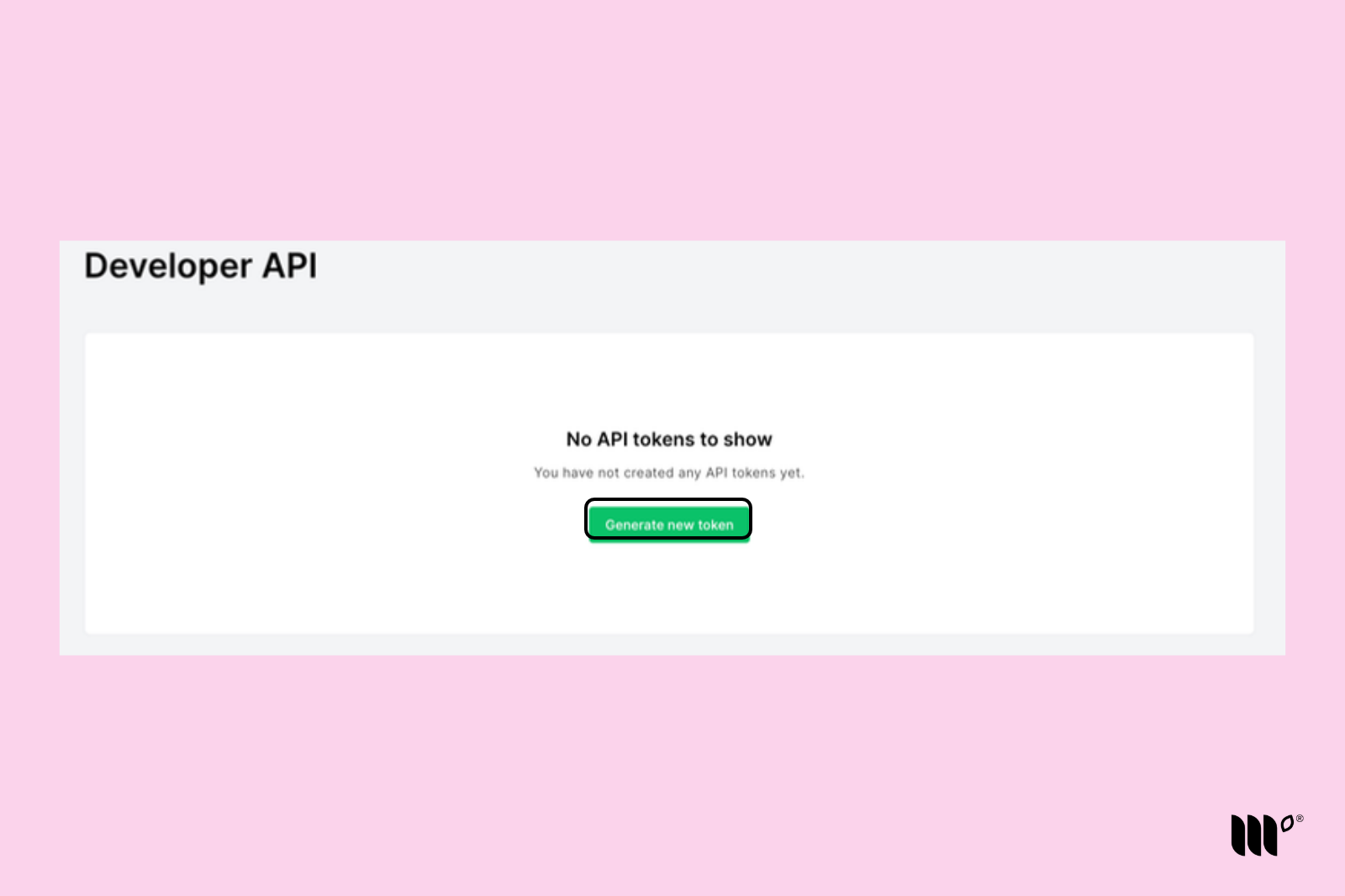
Step 2: Click Generate new token on the Developer API screen.
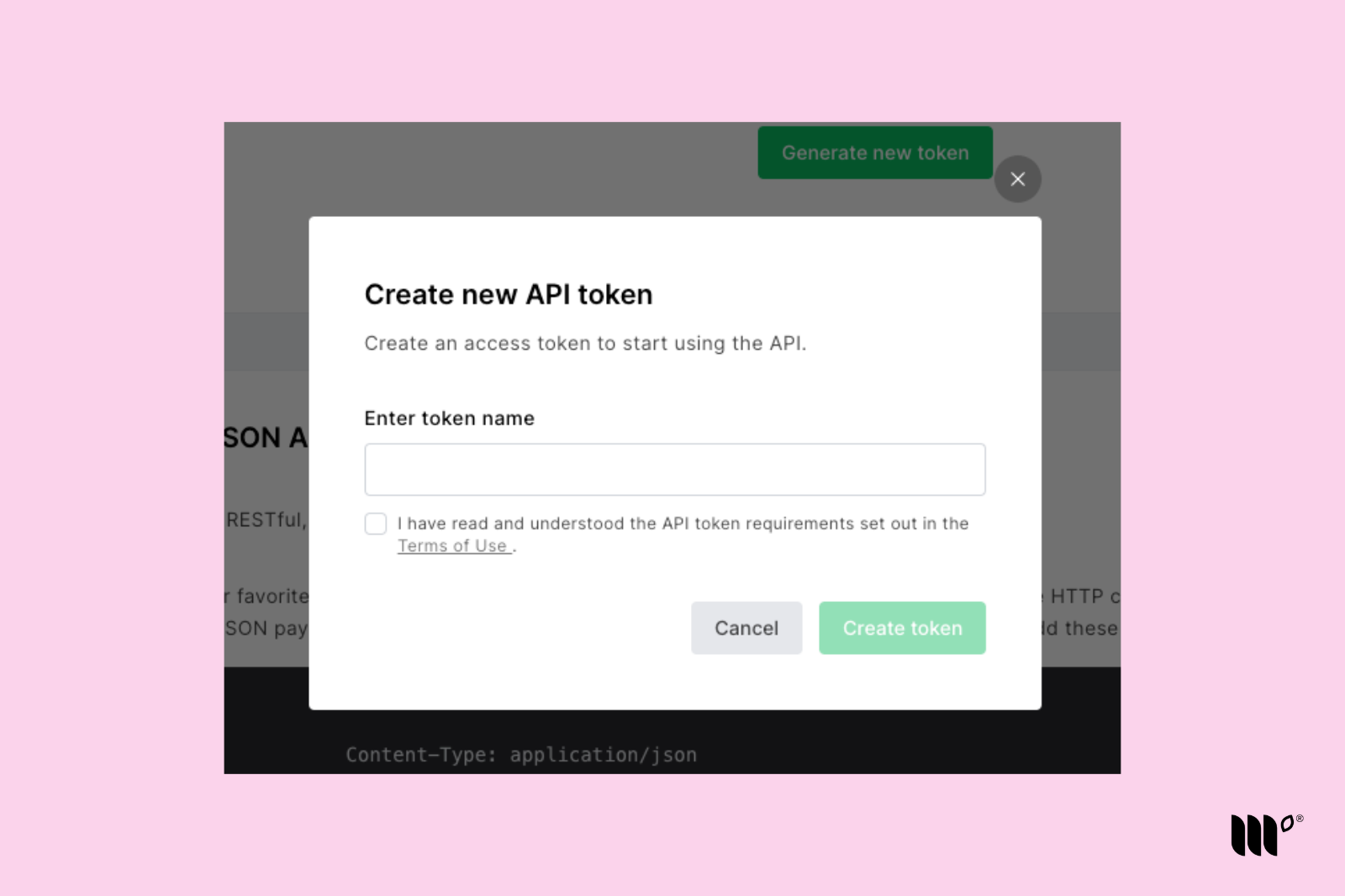
Step 3: Give your token a name you'll remember, then click Create token.
Step 4: Copy your new API key. Then, in your Publisher Dashboard, go to Tools > ESP Integrations (publishers.mediavine.com/tools) and paste it into the MailerLite API Key field.
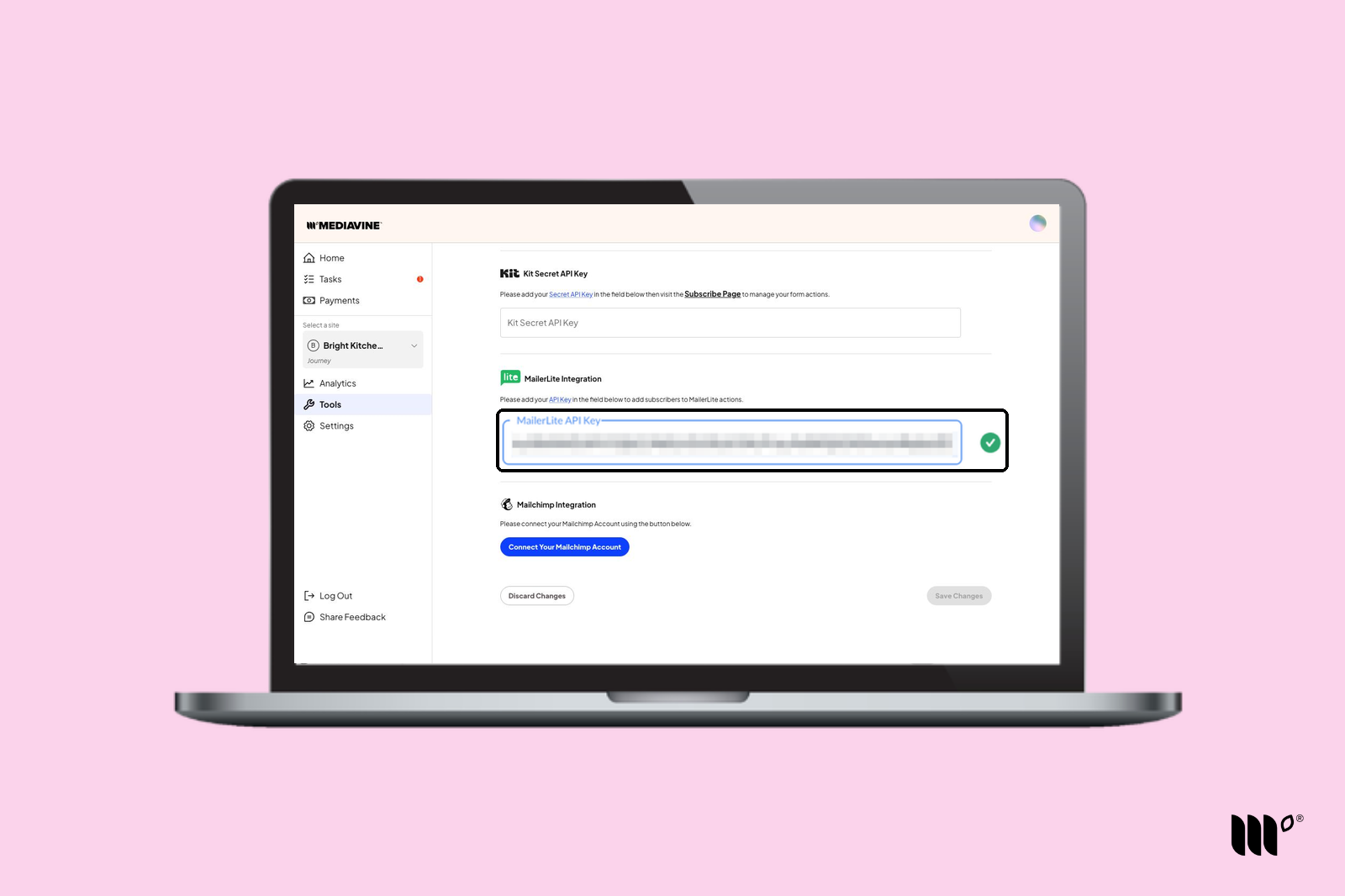
Step 5: Click Save Changes.
You're not done! Add MailerLite Form Actions to your Subscribe Forms, Print Pass, and Exclusive Content* widgets to automatically send subscribers to MailerLite.
*Exclusive Content is a legacy tool only available to publishers who used it before Grow became Tools in November 2026.