
The Recipe/How-To Card Save Button allows your readers to save posts to their bookmarks right from your recipe and how-to cards.
How to Enable the Save Button In Create Cards
Step 1: In your Publisher Dashboard, go to Tools > Recipe and How-to.
Step 2: If running Create, you can simply toggle the Create Card Save Button setting on. The save button currently will appear in Create recipe and how-to cards.
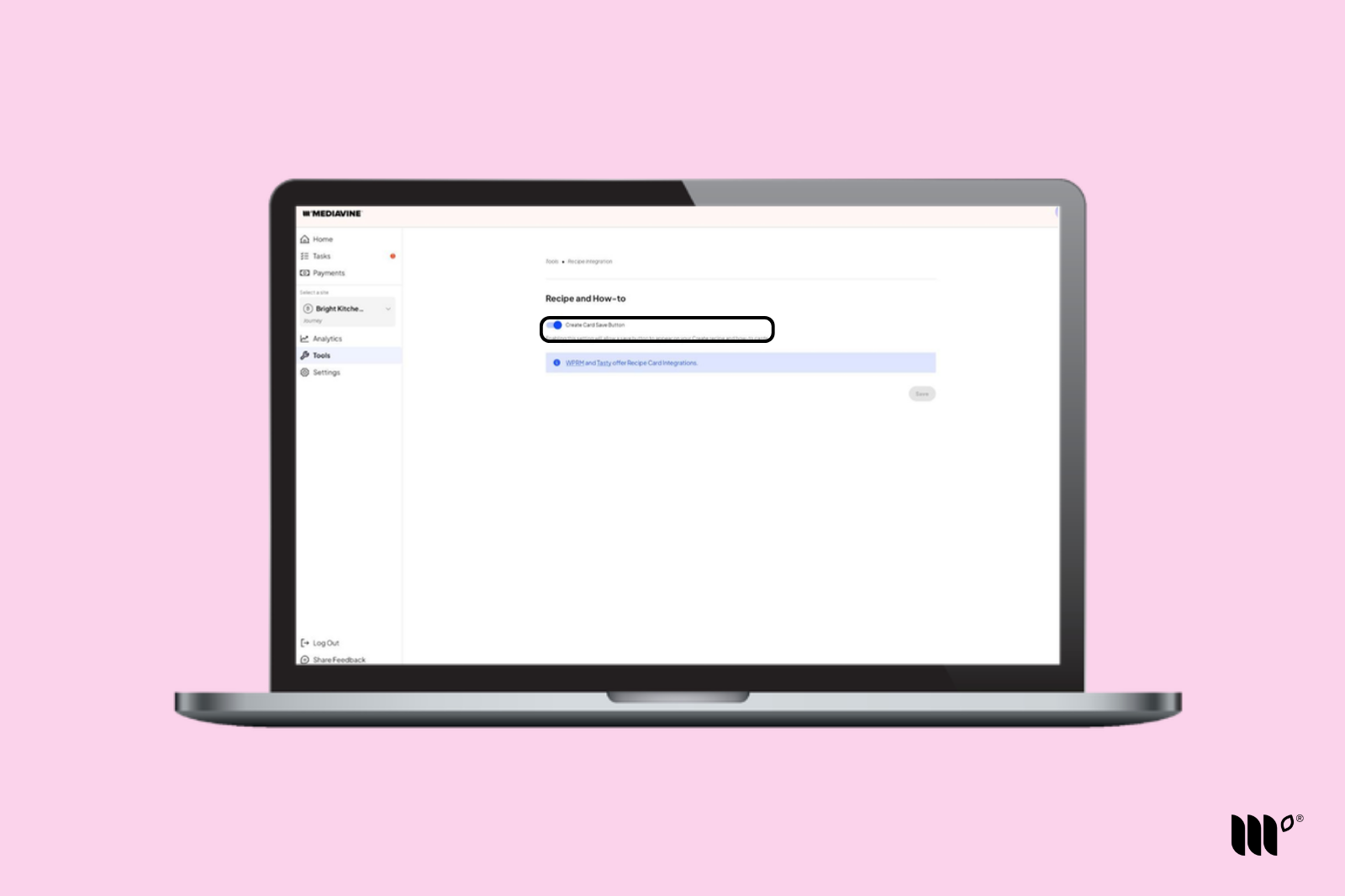
Don't forget to click Save.
That's it - you're all set. You should see the Save Button in your Create Recipe and How-To Cards!
How to Enable the Save Button with Other Recipe/How-To Card Plugins
Please refer to these help articles for the instructions on setting up a Save button in the following plugins: