
Redirect Link sends readers to a page you choose after they subscribe, like a thank-you page, a freebie download, an affiliate page or a product page.
What to Know
- Works with Spotlight, Pop Up, Click to Subscribe and Manual Placement forms.
- One Redirect Link per form.
- Redirect Links open in a new tab.
- You can link to a page on your site, a page on another site (including subdomains), or a file you host somewhere else, like a PDF. We don't host files for you.
How to Add a Redirect Link
Step 1: Go to Tools > Subscribe Forms and click Manage Form on your form.
Step 2: Under Form Actions, click Add Action and choose Redirect Link.
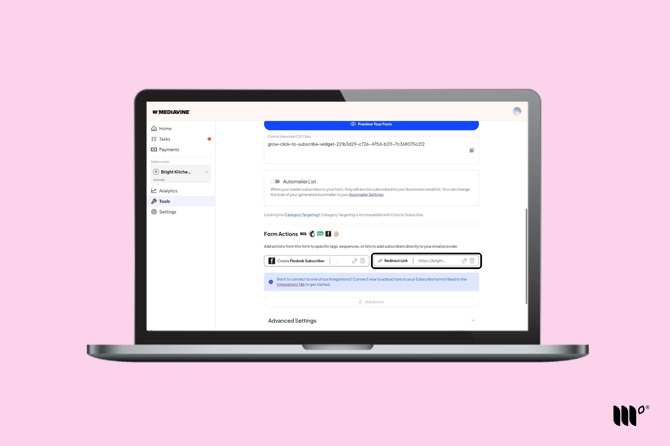
Step 3: Enter your URL and save the action.
Step 4: Click Save Changes.
To change or remove the redirect, use the pencil or trash icon on the Redirect Link.