
You can customize how Save & Share looks and where it shows up on your site. In your Publisher Dashboard, go to Tools > Save & Share.
To choose the icons Save & Share shows, see this article.
Share Counts
Enabling the Share Counts setting allows Save & Share and Search to display the count of saves and shares for each post.
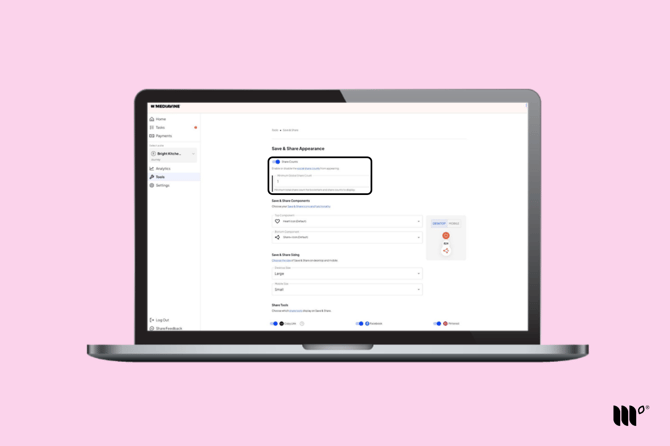
If you would also like to count and display any social shares of your post, you need to be running the Hubbub plugin. Otherwise, Save & Share will only show the saves of the post via Save & Share.
Minimum Global Share Count
Defining a Minimum Global Share Count tells Save & Share to display a post's save and share numbers when that number is greater than the Minimum Global Share Count.
For example, if your Minimum Global Share Count is set to 10, posts with fewer than 10 combined saves and shares will not display a count in Save & Share or Search.
Save & Share Sizing
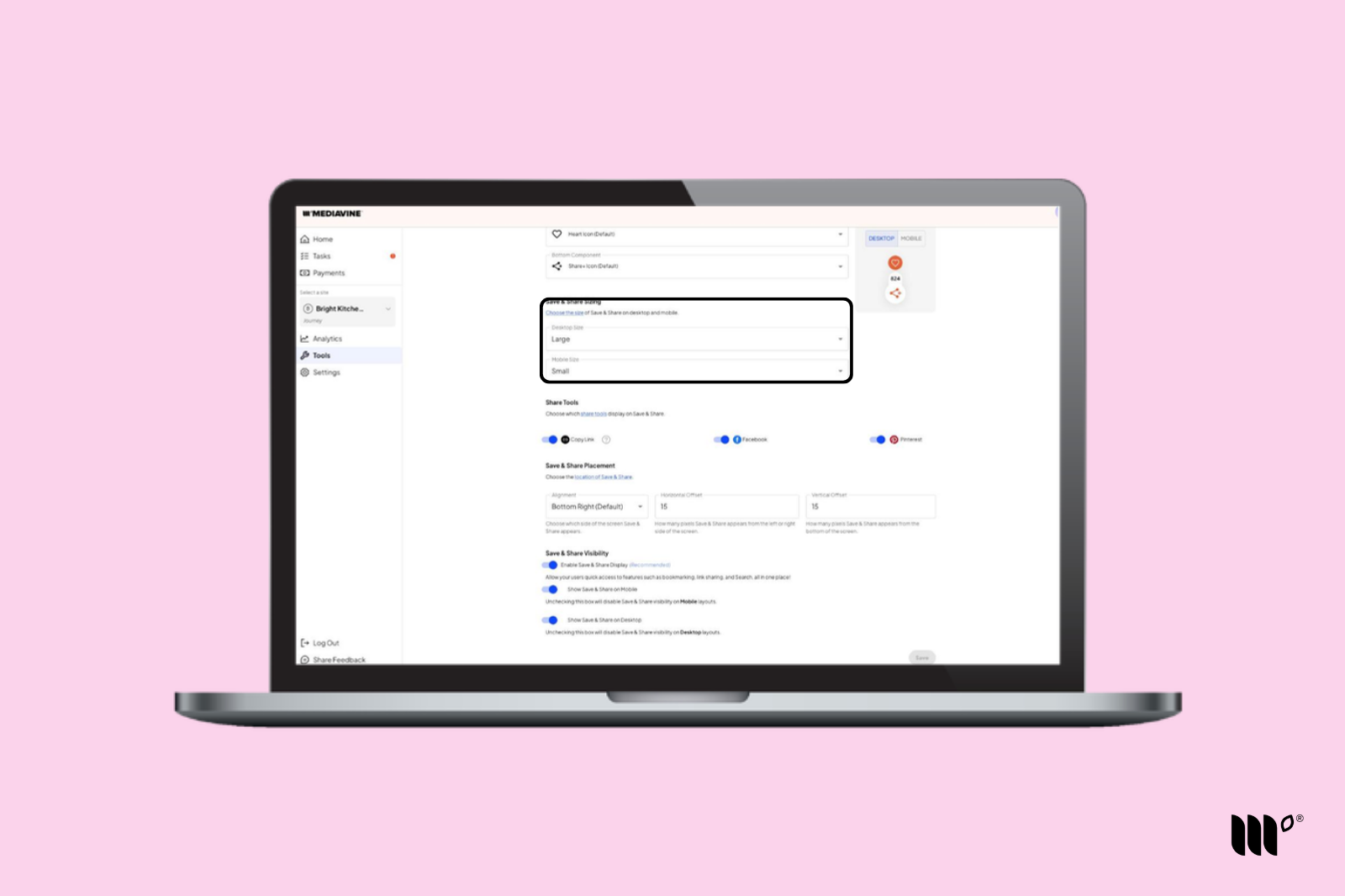
Choose how big Save & Share appears on your site. You can set the size separately for desktop and mobile:
- Desktop Size: Small or Large
- Mobile Size: Small or Large
Use the Desktop and Mobile buttons on the preview next to the Components settings to see how each size will look.
Share Tools
This setting allows you to enable and disable specific share options to display when clicking on the share icon in Save & Share.
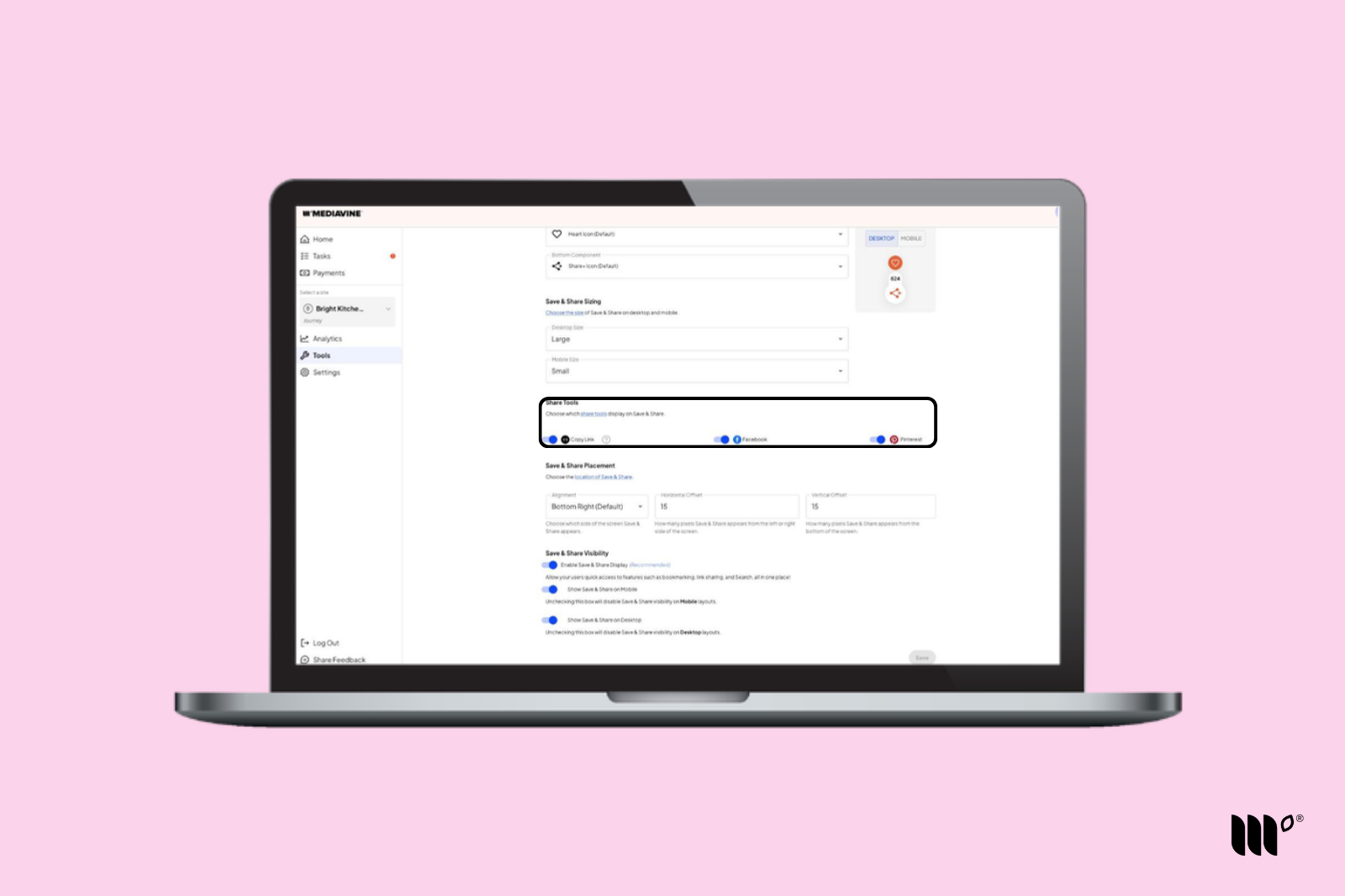
The following share options are currently supported:
- Copy Link
Save & Share Placement
Choose where Save & Share sits on the screen.
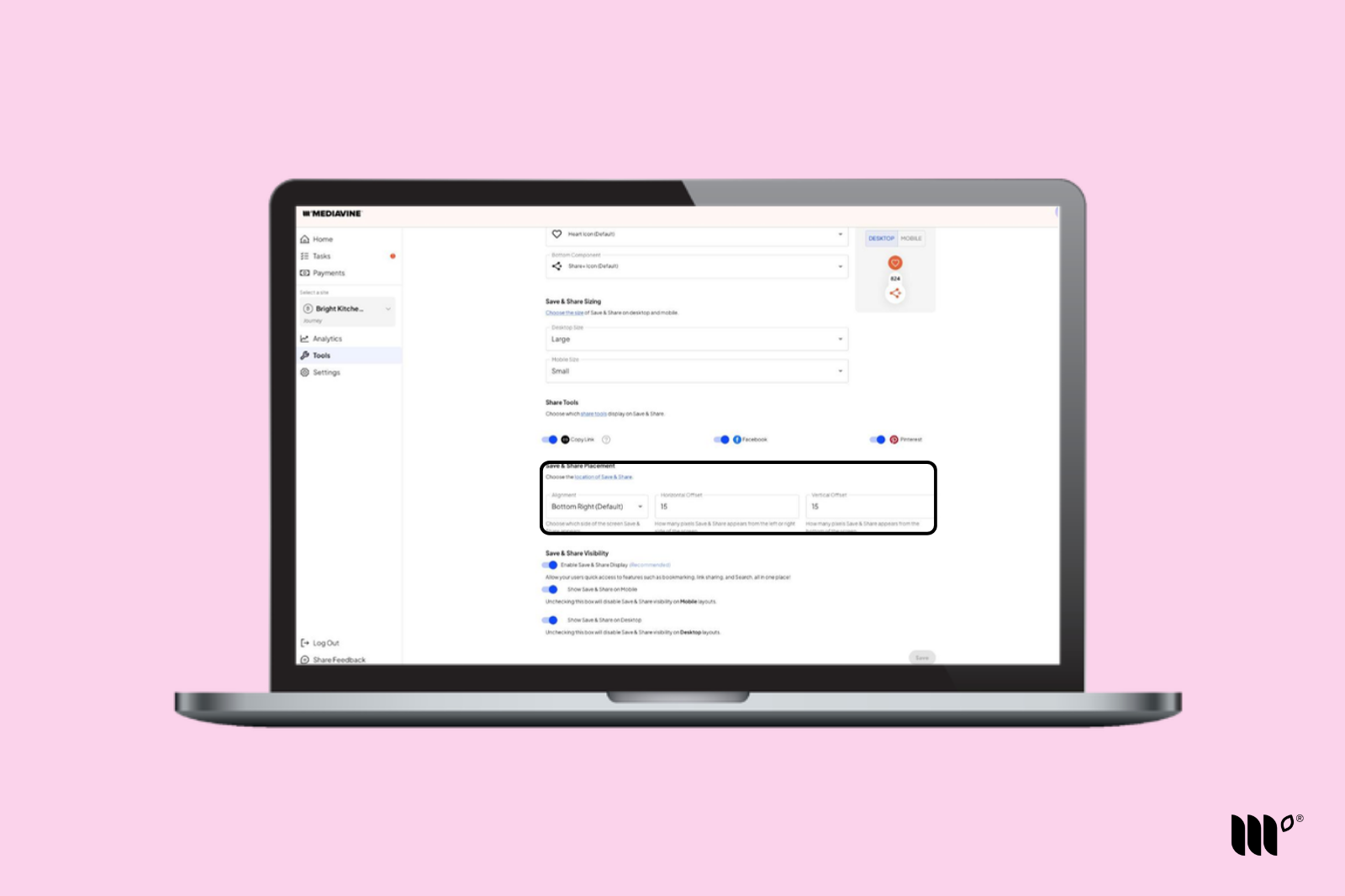
- Alignment: Bottom Right (default) or Bottom Left.
- Horizontal Offset: How many pixels Save & Share appears from the left or right side of the screen.
- Vertical Offset: How many pixels Save & Share appears from the bottom of the screen.
Adjusting the offsets can help if Save & Share overlaps something else on your site, like a chat button or a cookie banner.
Save & Share Visibility
Choose whether Save & Share shows on your site at all, and on which devices.
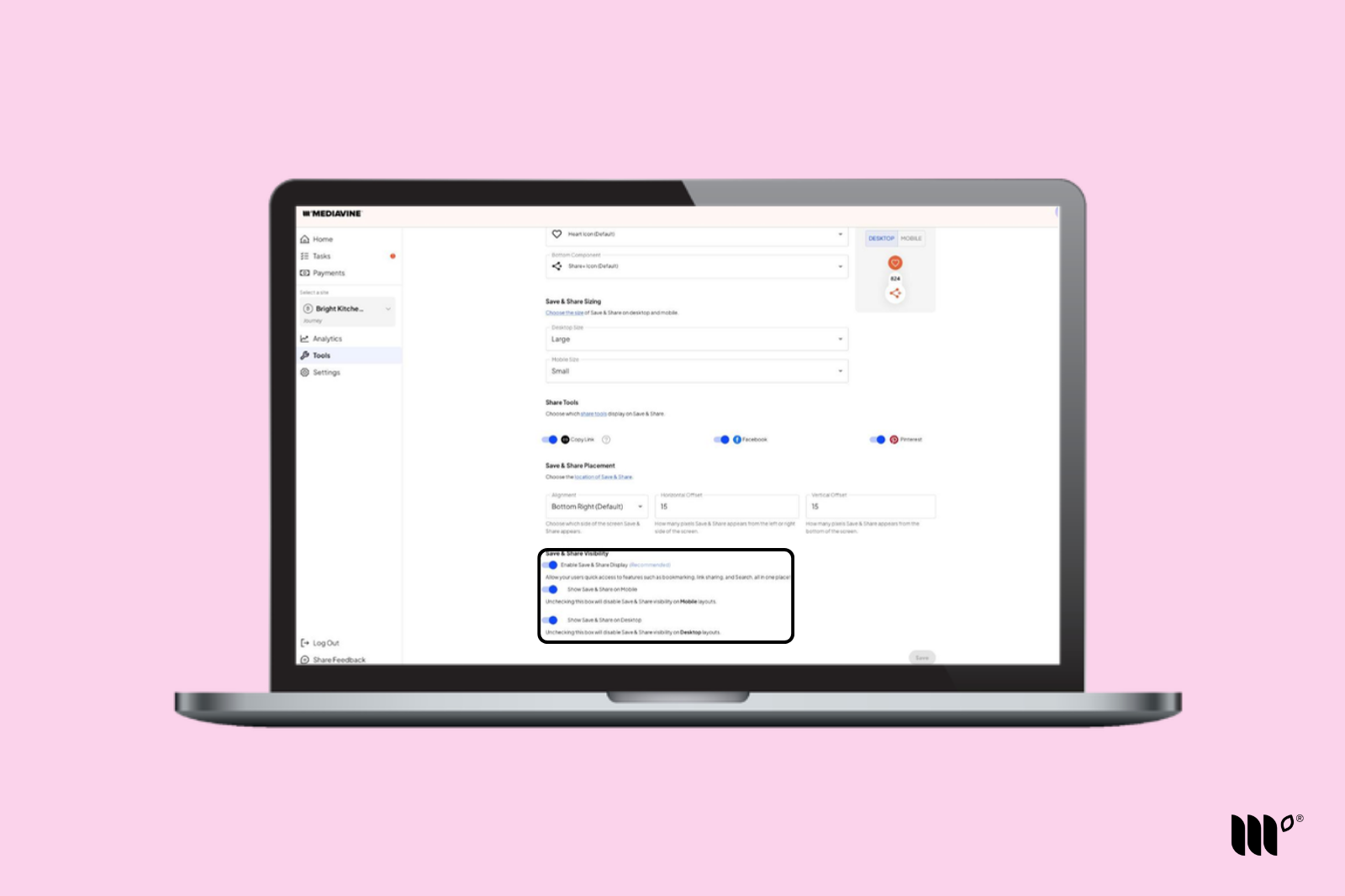
- Enable Save & Share Display (recommended): Turns Save & Share on, giving readers quick access to bookmarking, link sharing, and Search, all in one place.
- Show Save & Share on Mobile: Turn this off to hide Save & Share on mobile layouts.
- Show Save & Share on Desktop: Turn this off to hide Save & Share on desktop layouts.