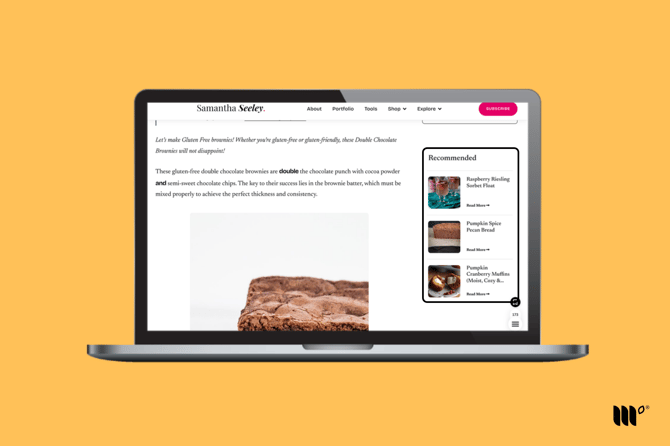
The Sidebar Recommended Content is a legacy widget only available to publishers who used it before Grow became Tools in November 2026.
When the built-in selectors in our scripts aren’t able to place the Sidebar widget, the Sidebar selector helps our script place the Sidebar widget in your sidebar. If the built-in selectors are injecting the Sidebar widget into your sidebar already, you do not need to add a Sidebar selector.
How to Find the Sidebar Selector
Start by going to one of your posts and inspecting your site's sidebar using your browser's built-in HTML inspector tool. (We'll use Chrome's DevTools for this example.)
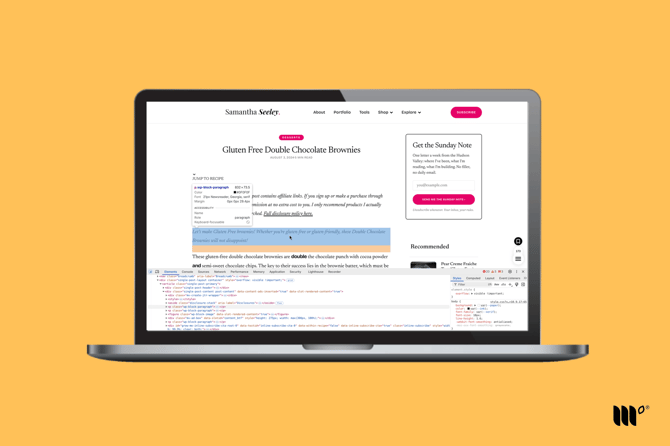
Once you're able to highlight the right element, make sure you take a look at the element's outermost container to find the most accurate selector that will encompass all of the elements in the HTML.
You should hopefully see some unique classes or ID names for the selector, such as the class .sidebar or the ID #sidebar for our example below:
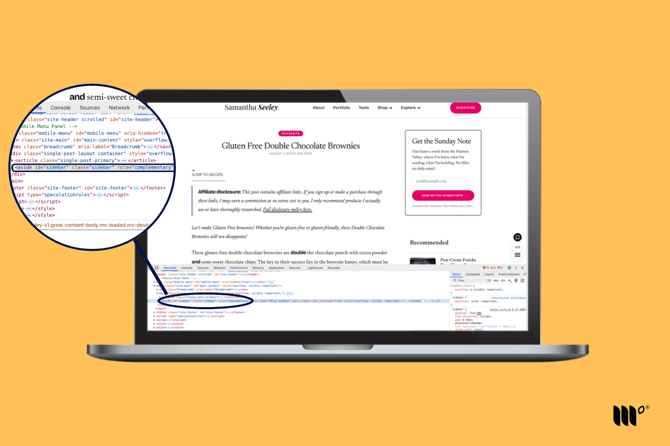
When you've found a suitable, unique selector, add it to the Sidebar Selector setting in Tools > Recommended Content. This will help 'tell' the Sidebar widgetl where to appear on the page.
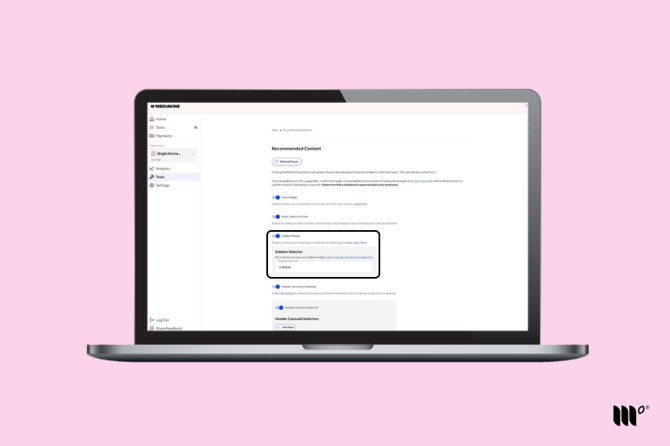
After you’ve entered your selector and clicked Save, your Sidebar widget should appear at the end of your sidebar just before your sidebar ads begin: