
Text Customizations lets you change the text on some of your Tools and add translations for other languages.
How to Customize Your Text
Step 1: Go to Tools > Text Customizations in your Publisher Dashboard.
Step 2: Edit any of these fields:
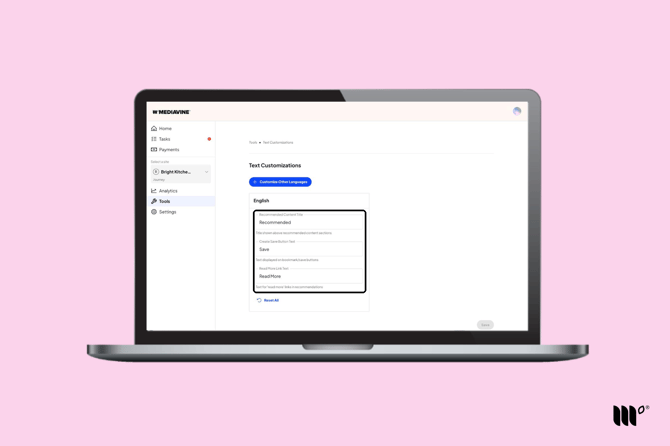
- Recommended Content Title: the title above your [Recommended Content]() sections.
- Create Save Button Text: the text on the [Save button in your Create cards]().
- Read More Link Text: the text for the "read more" links in your recommendations.
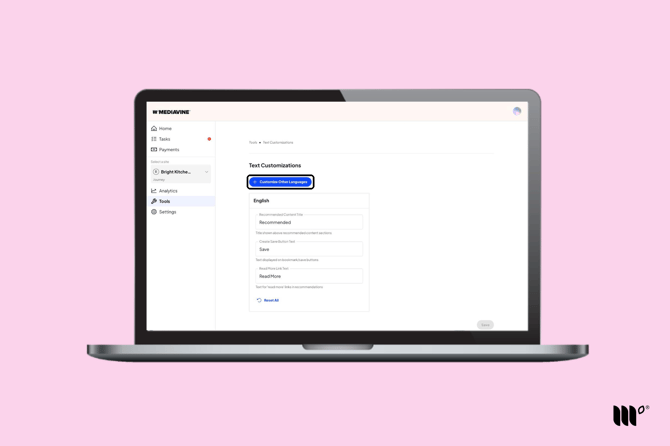
Note: The default Text Customizations are for English only. To add Text Customizations for other languages, you'll need to add a new set using the Customize Other Languages button. See the directions below.
Step 3: Click Save.
Want to go back to the defaults? Click Reset All.
Adding Other Languages
Click Customize Other Languages and choose a language.
You can add text for:
- German
- Spanish
- French
- Italian
- Dutch
- Swedish
Each language gets its own set of fields. Edit them the same way, then click Save.