-spacing.png?width=385&height=100&name=mediavine-horiz-white-pn-RGB-(r)-spacing.png)
There are two options for updating your Mediavine Dashboard password:
-
Forgotten Password:
Navigate to publishers.mediavine.com/home
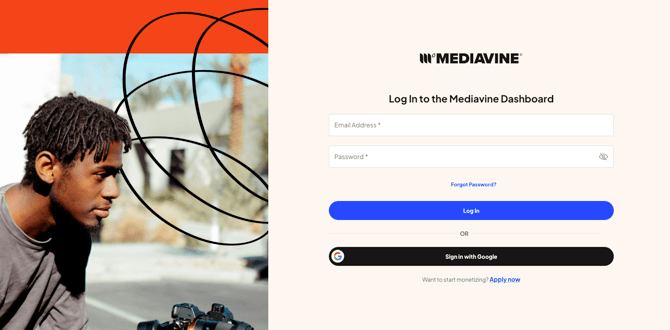
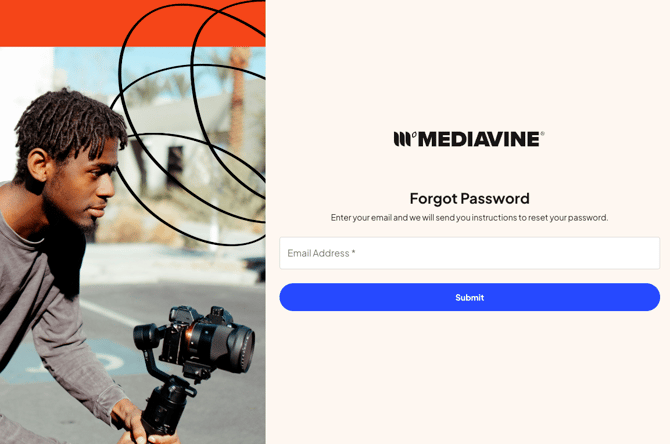
Utilizing the Forgot Password link, enter your email address and click Submit. This will trigger an email for resetting the password.
2. Resetting known Password
In some scenarios, you may want to update your current password for security reasons.
Start by clicking on your profile image in the top right corner of the dashboard.
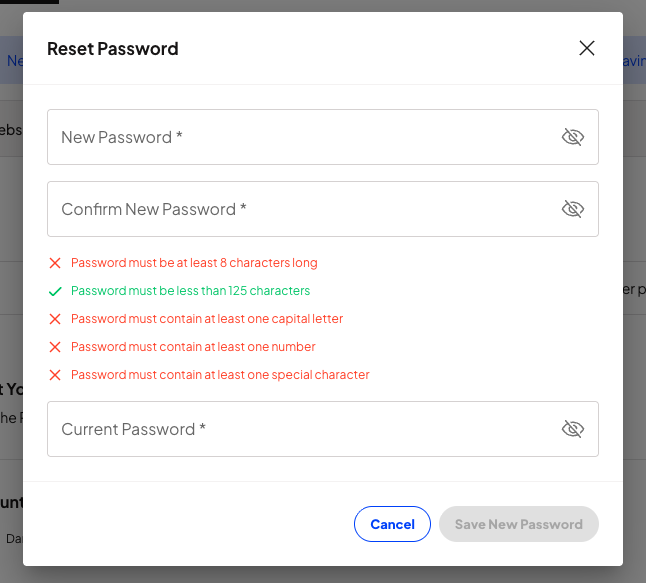
On the User Profile page, scroll to the bottom. You will see the option to reset your password. It's important to note that in this case, you will need to know your current password.

Follow the New Password guidelines listed, and click Save New Password before exiting.
If you are having issues getting to your Password reset page, please do not hesitate to reach out to Publishers@mediavine.com.